
Drop a video, a song, or a photo here.
Shrink, convert and cut video, music and photos.
Make a video small enough to send, an MP4 that plays anywhere, or a JPG from a photo.
Nothing leaves this device.
Several files of one kind convert together.
0 uploads
Your file is read and converted in this tab. It is not sent to a server, ours or anyone else's.
30 MB → 24 MB
A 20-second 1080p clip fitted under 25 MB in 3.4 seconds in Chrome. We measured it with a test clip we generated ourselves.
14 formats
MP4, MOV, MKV, WebM, MP3, M4A, WAV, FLAC, Opus, JPG, PNG, WebP, AVIF, and HEIC open here, where your browser can read them.
How it works
Drop it, edit it, save it.
Start from a file, or open the editor for that kind of file first.
1
Drop a file
Or several. Video, music or photos, from the desktop, a folder or your camera roll. A video opens as a filmstrip, a song as a waveform, a photo as a picture.
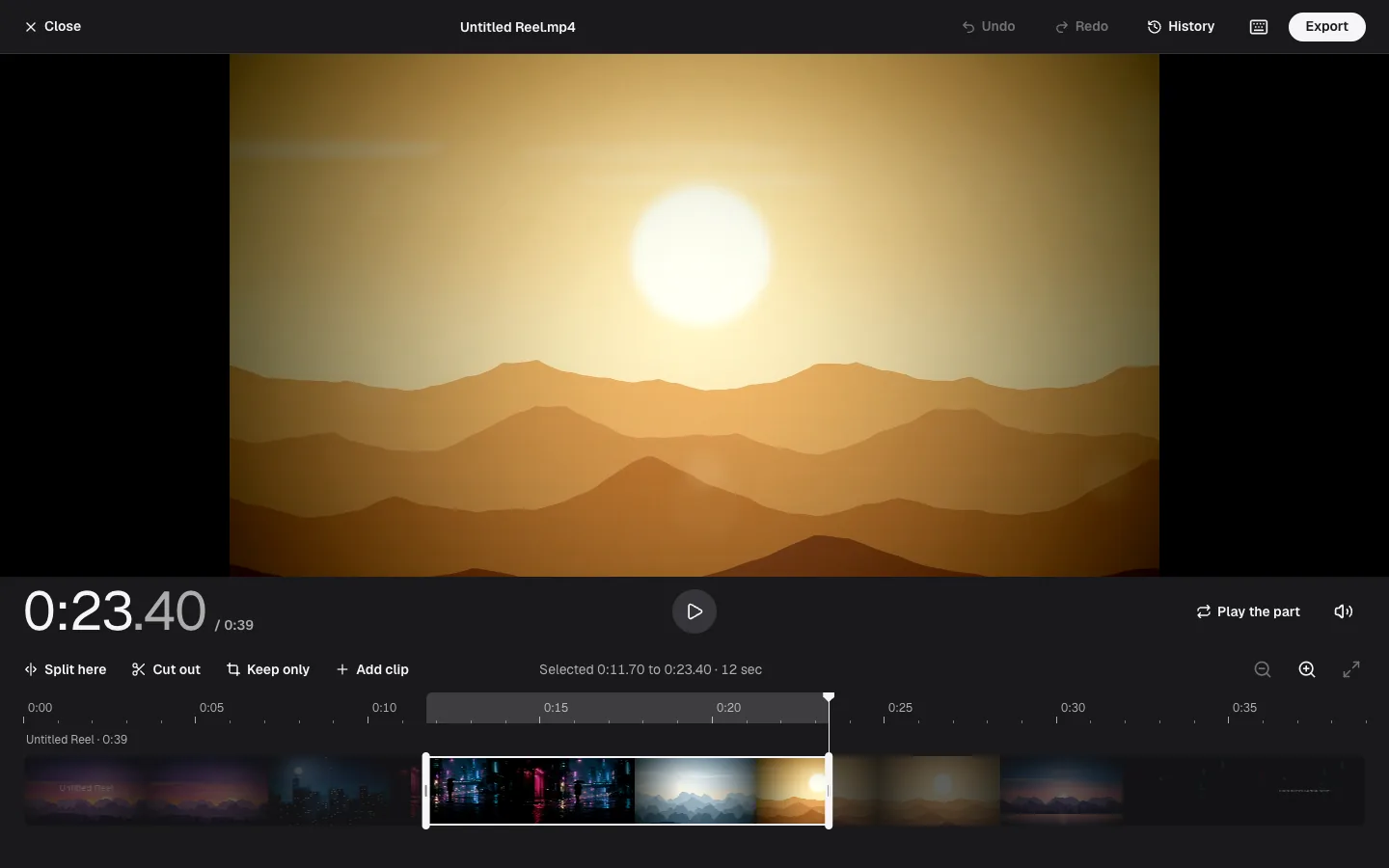
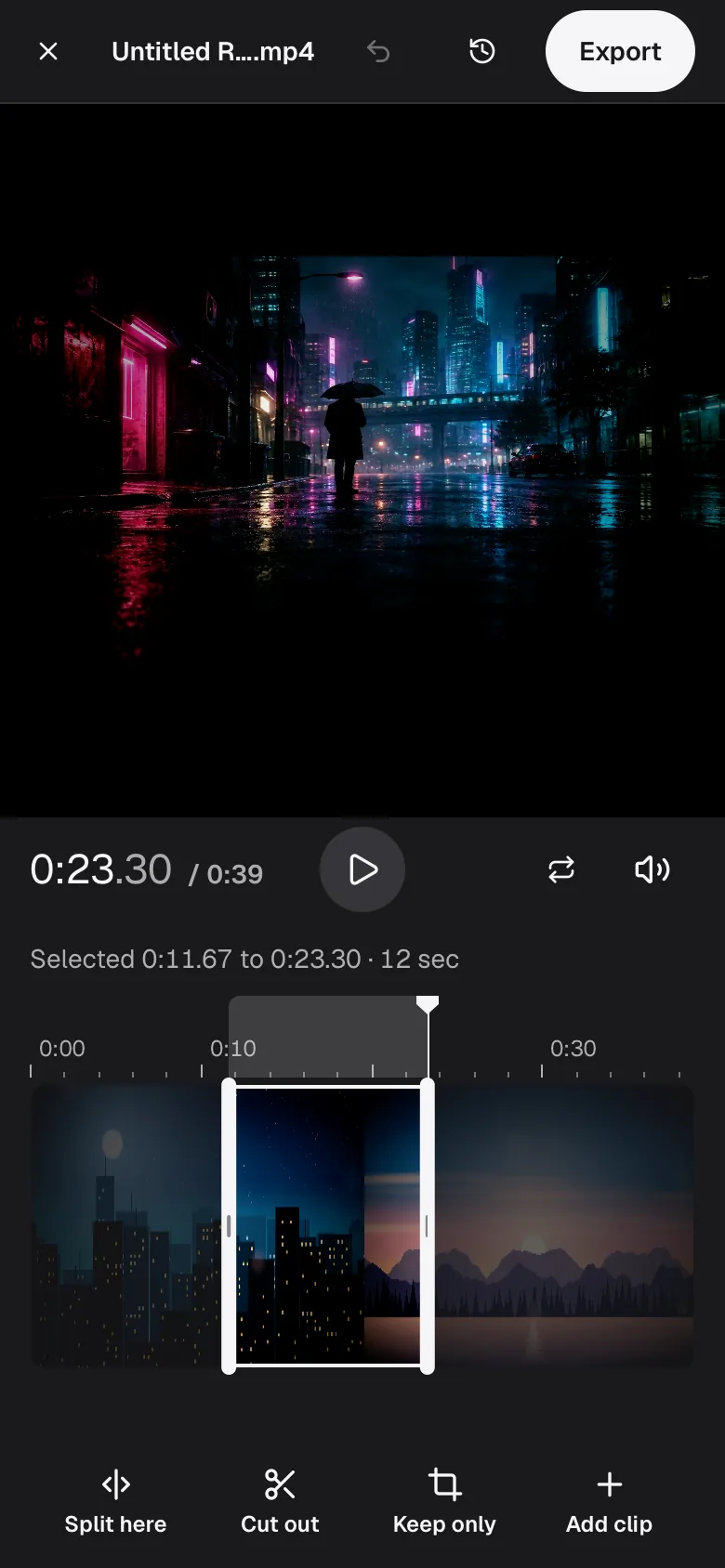
A dropped video opens as a filmstrip. Drag across it to pick a part, then cut it out or keep only that part. 2
Cut, crop or pick a length
The editor takes parts out of a video, joins clips, crops a photo, or trims a song to the length a service takes, like 5 seconds for a Discord soundboard. Every step is listed under History.
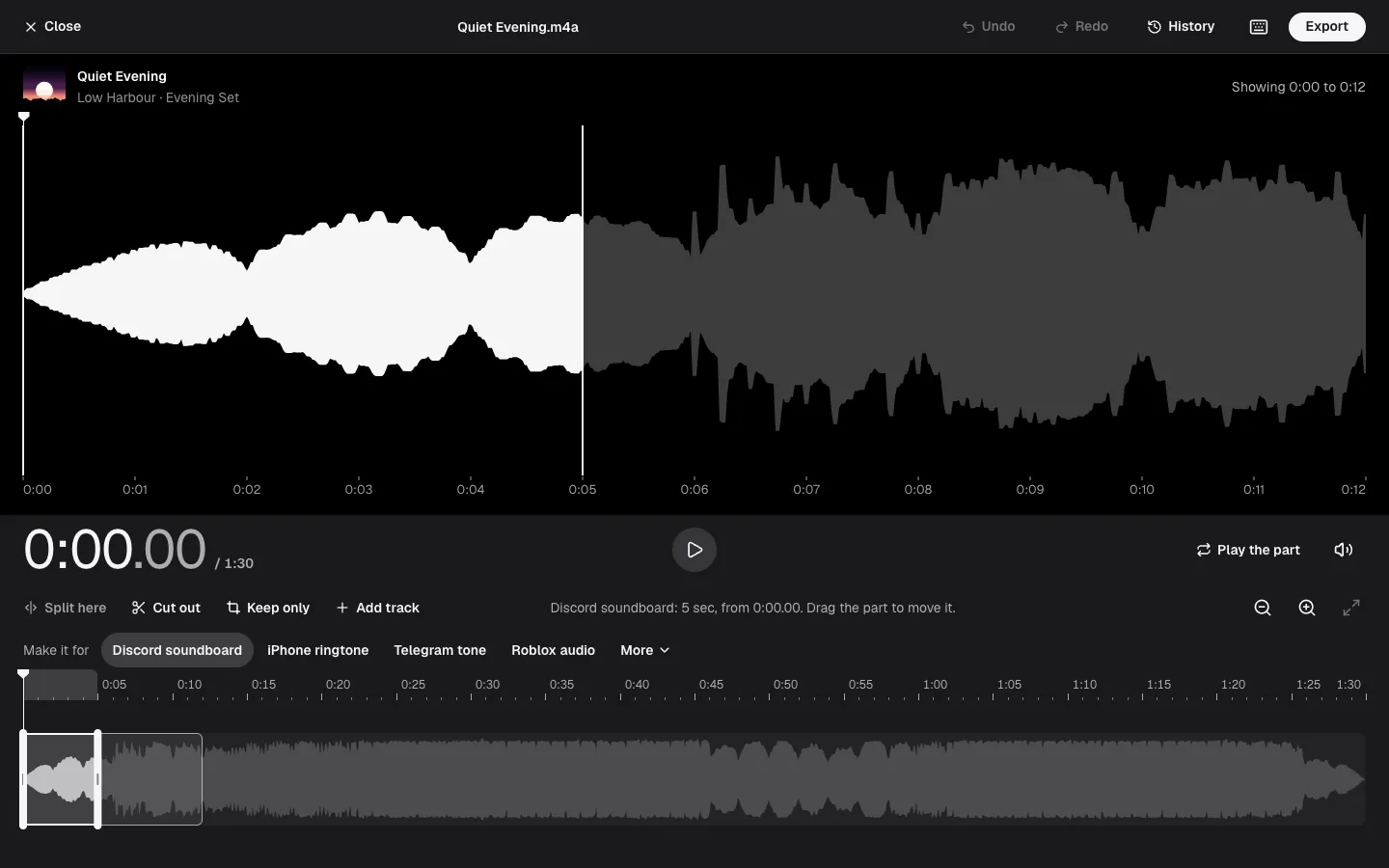
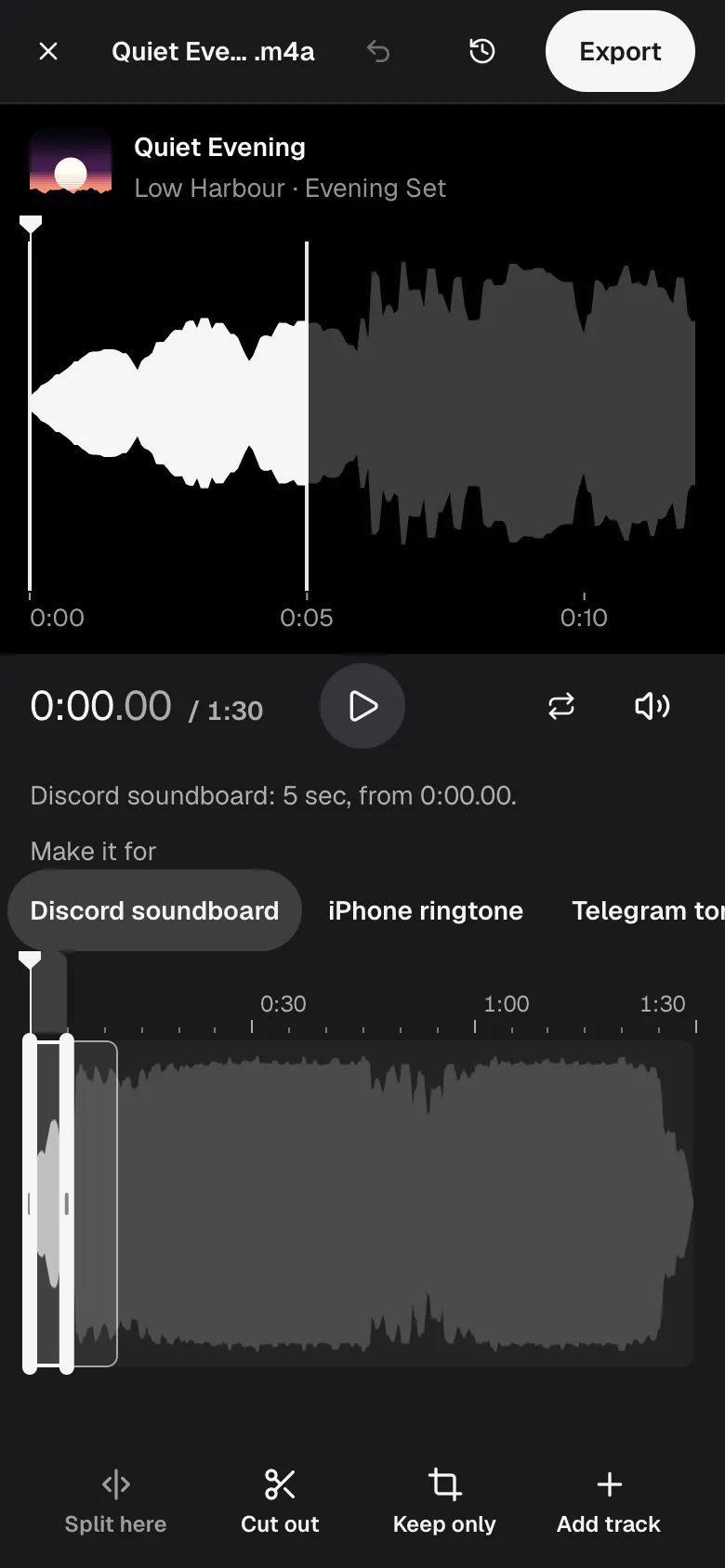
The music editor. A preset such as Discord soundboard marks the right length on the waveform. 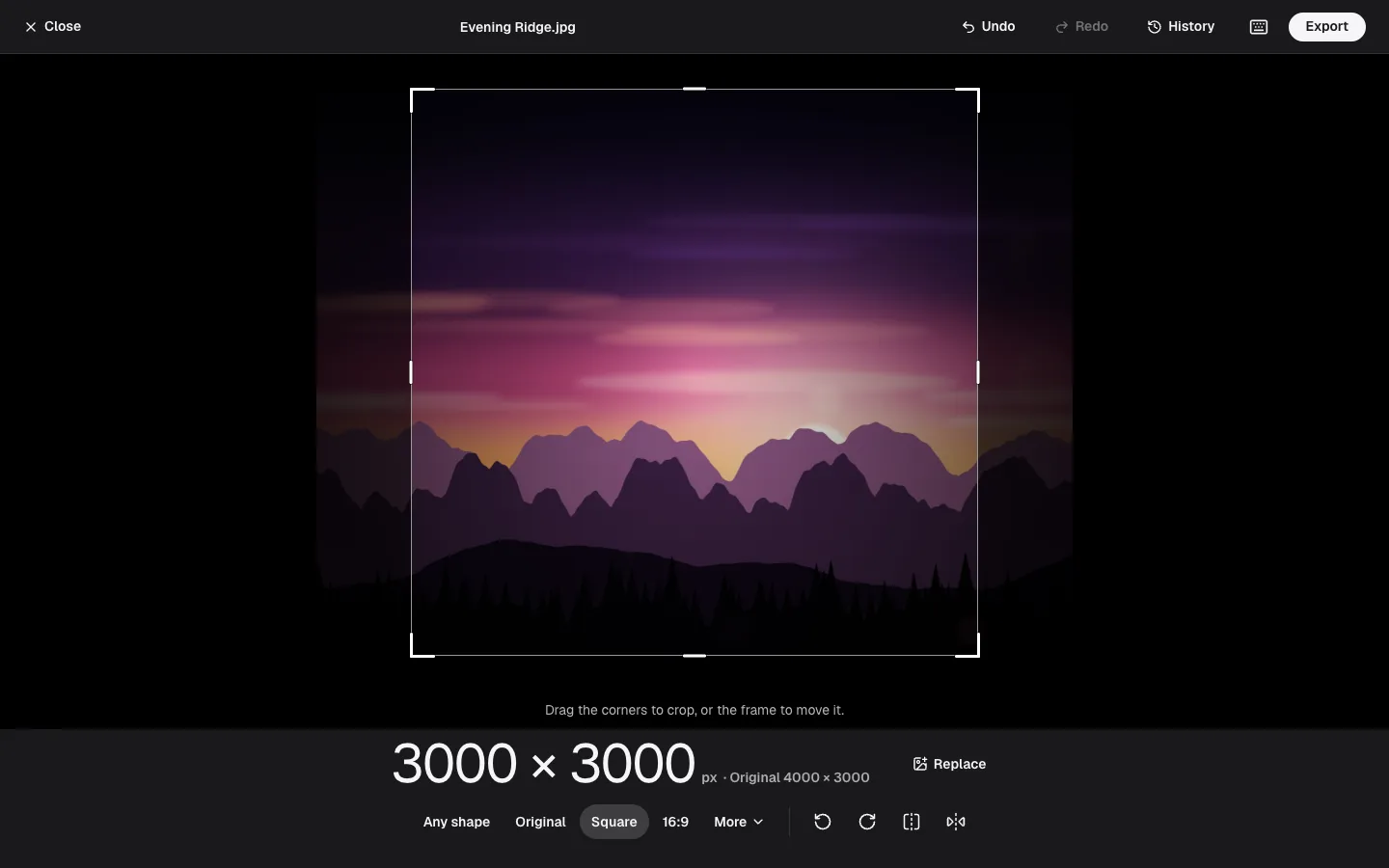
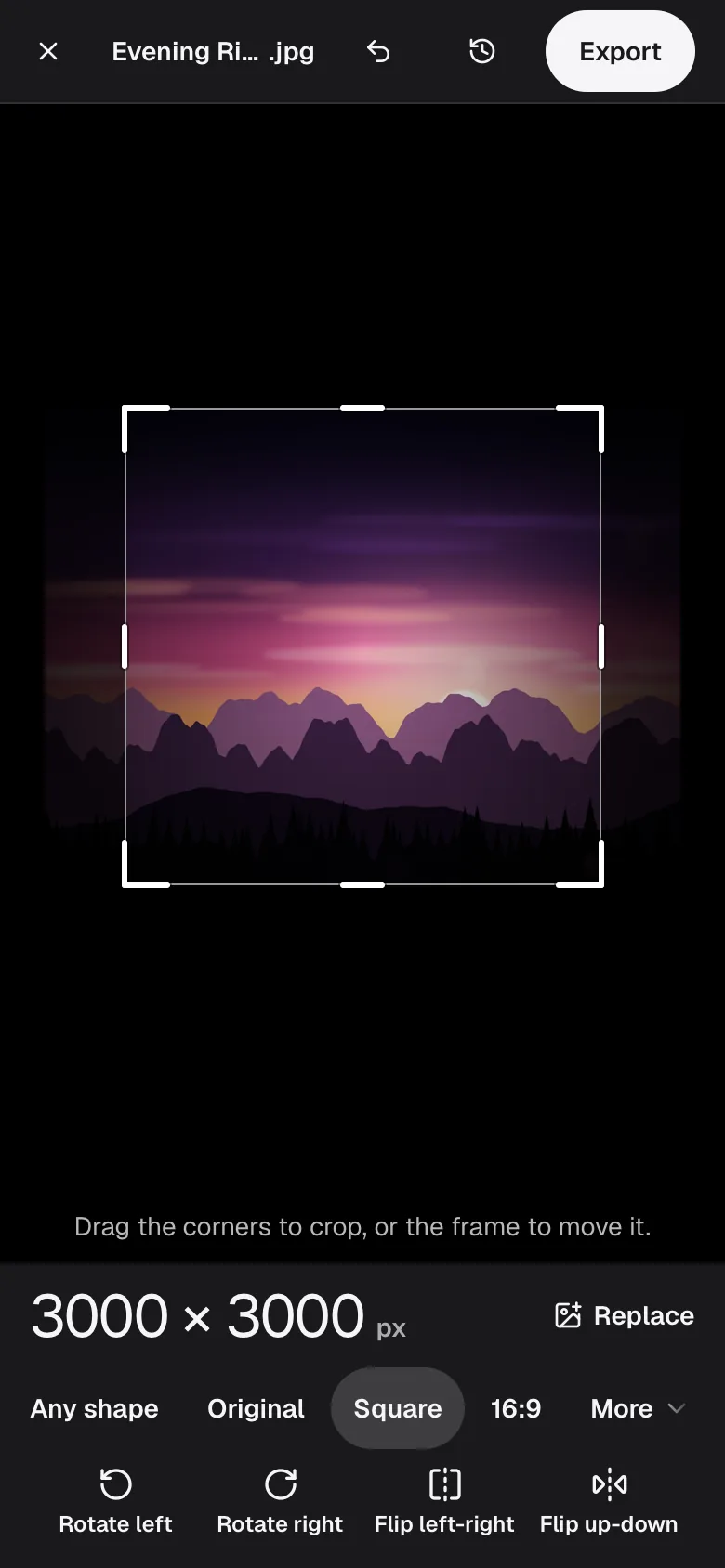
The photo editor. Drag the frame to crop, then pick how to save. 3
See the size, then save
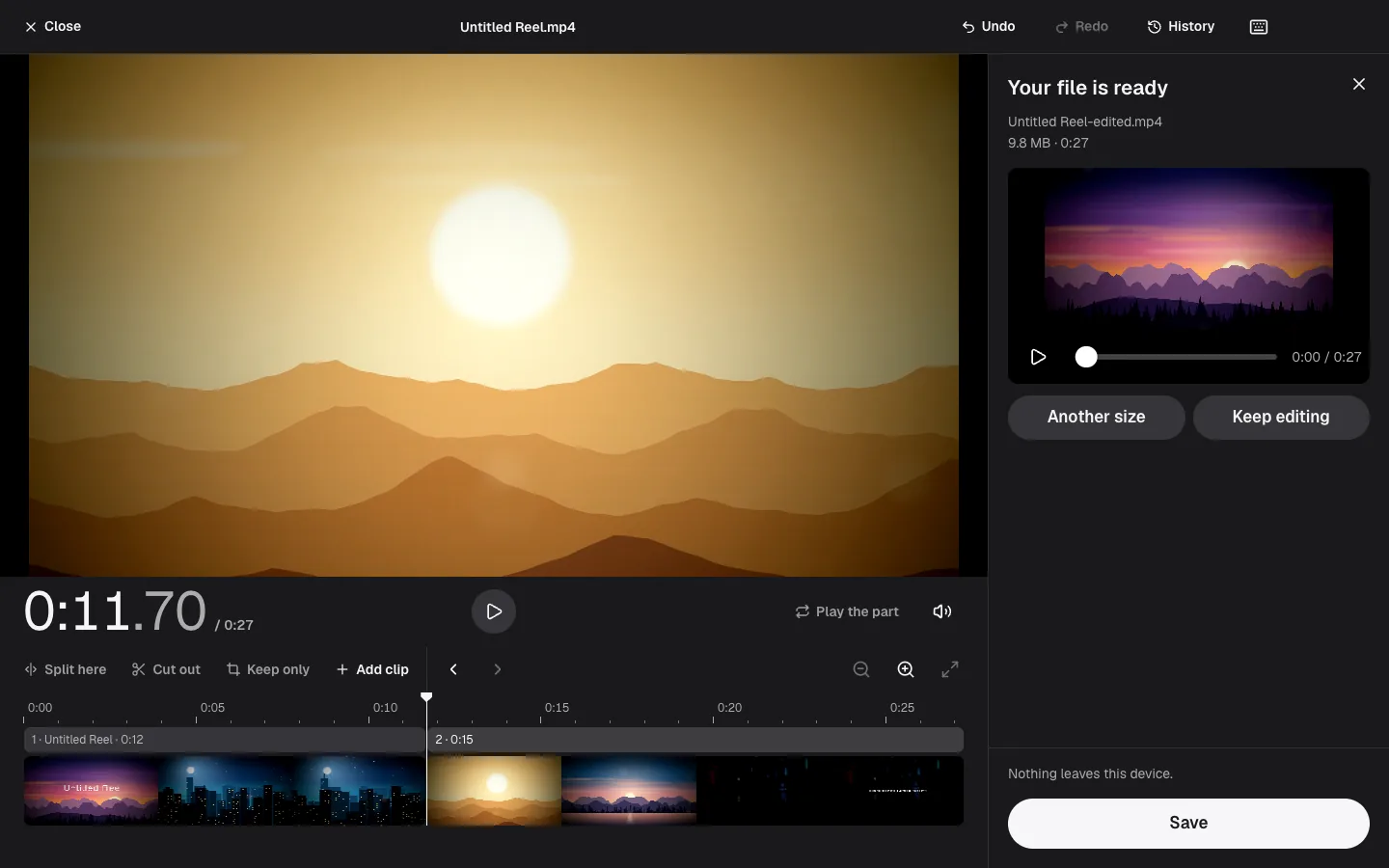
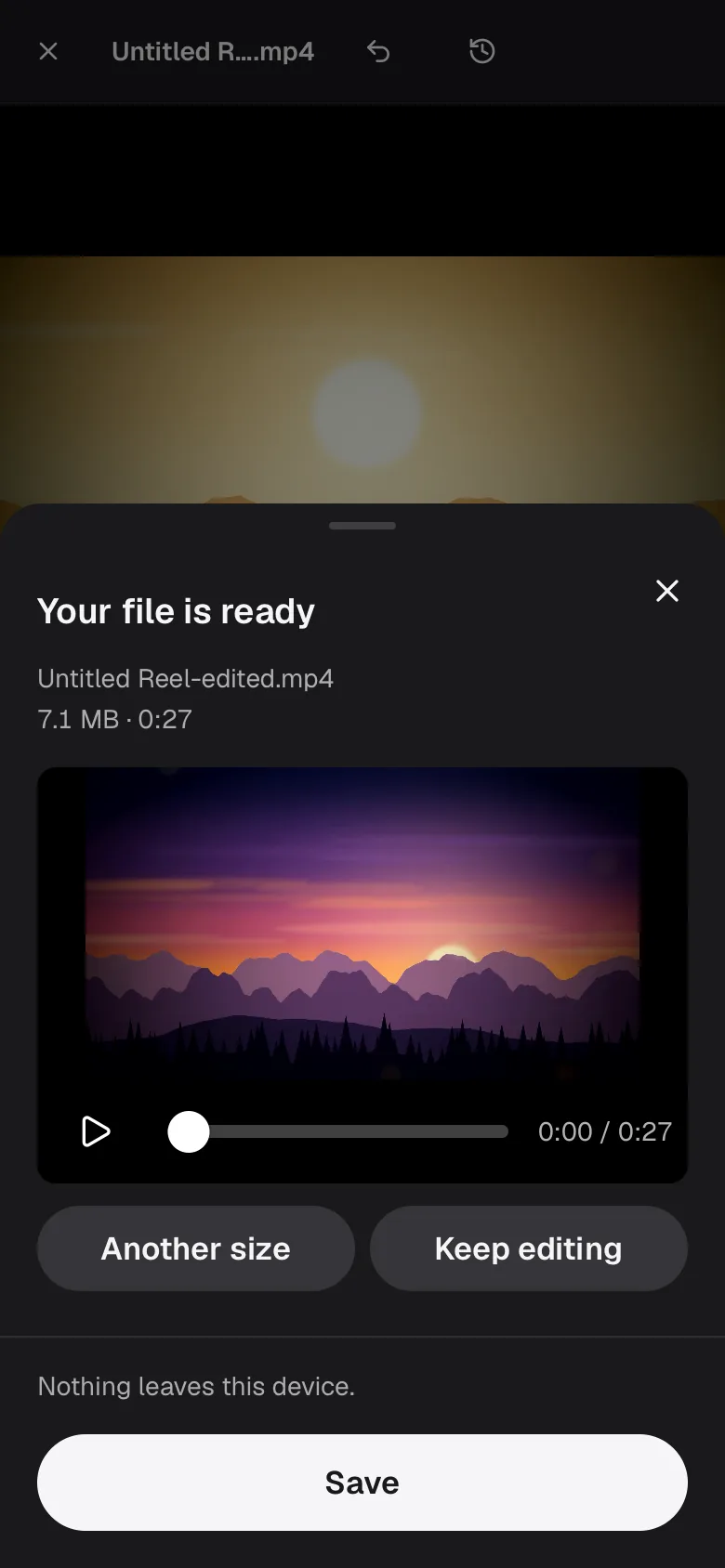
Each way to save shows its file size before you press anything, so you can pick Chat or social, Email or the best quality knowing what you get. Your original is never touched.
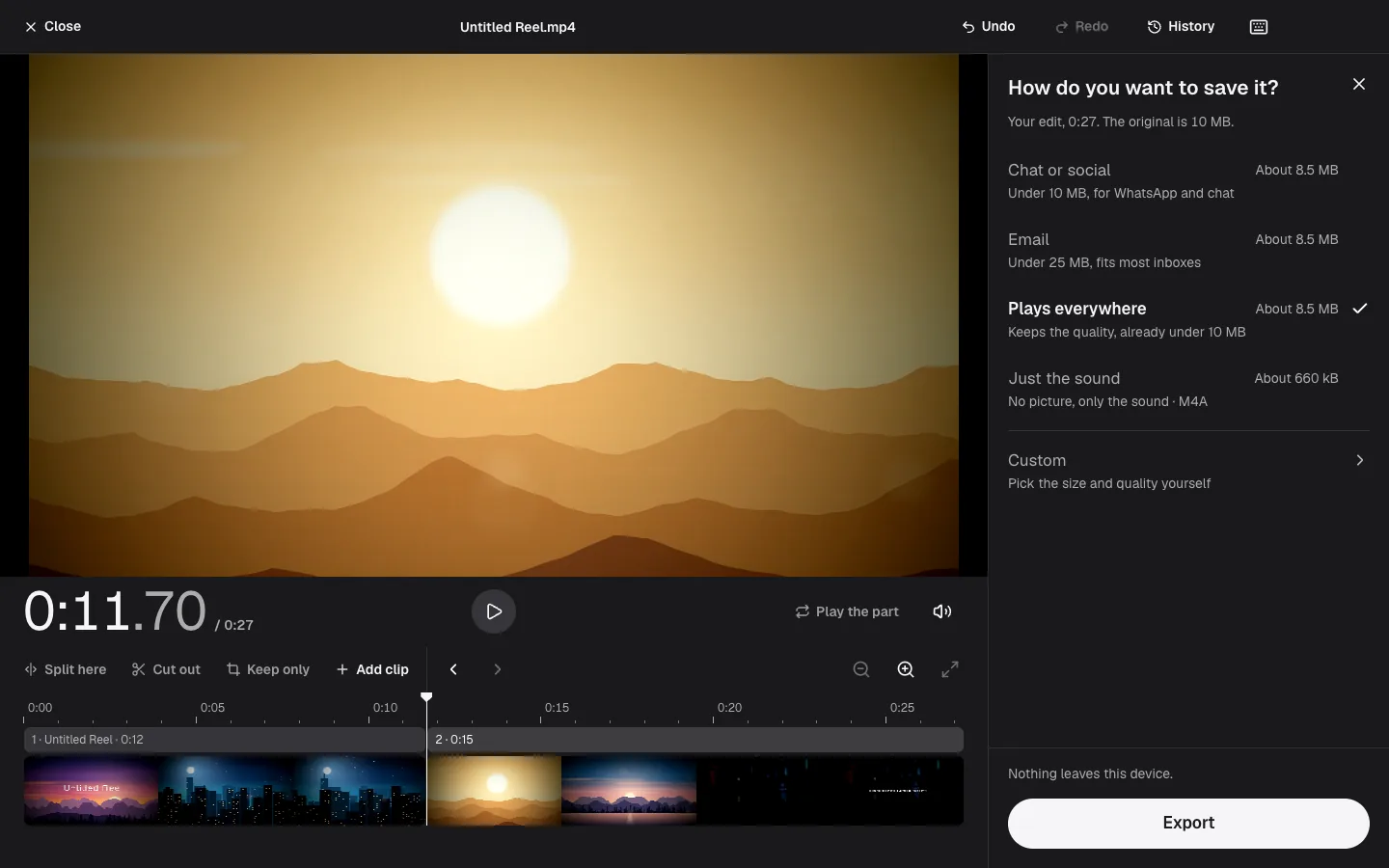
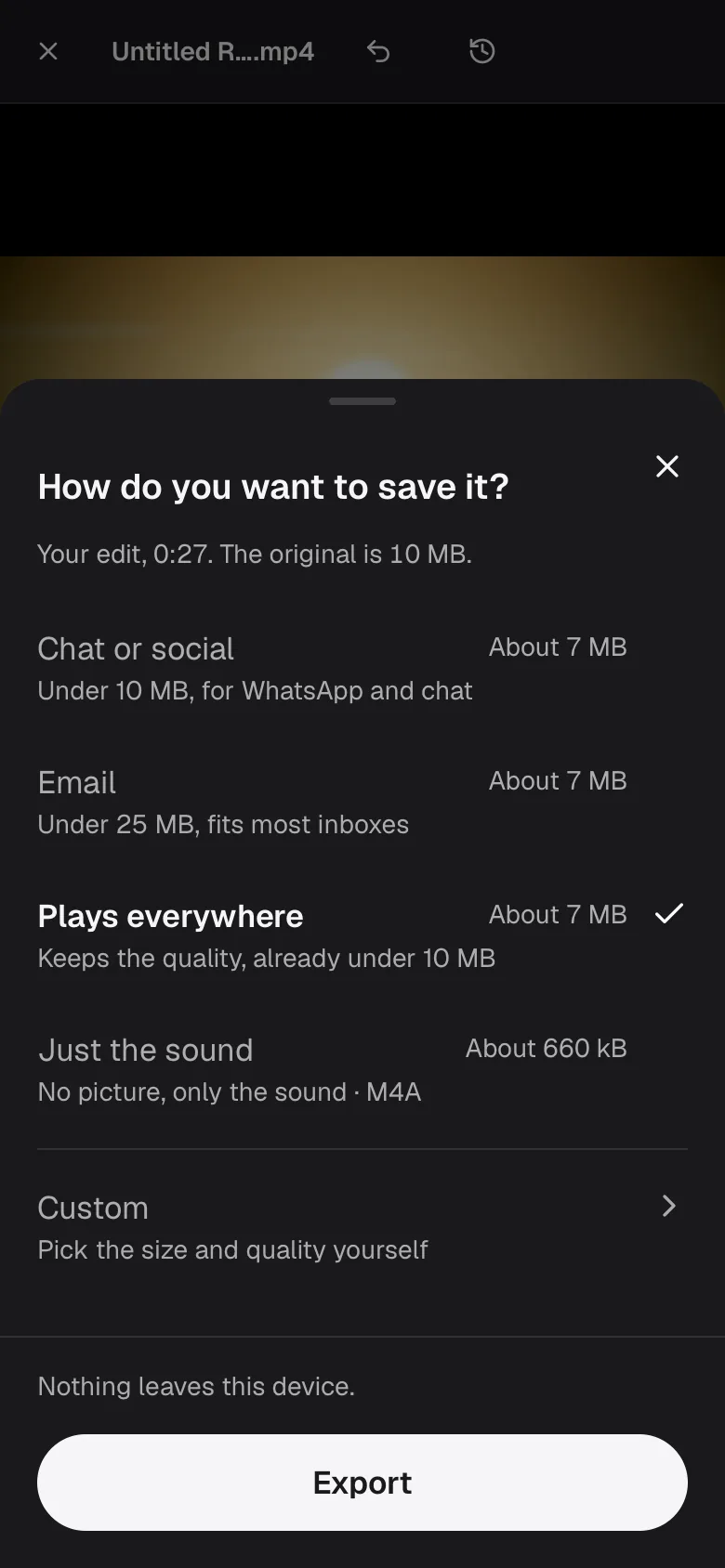
In the editors the same list opens as Export, worked out for the edit you made.
What you can do
Pick a job, not a format.
Each kind has an editor and ready-made conversions. Every conversion has notes on when it is the right move and when it is not.
Video
Take out the parts you don't want, then make it small enough to send.
Music
Trim a track to the length a service takes, or save it as a smaller file.
Photos
Crop, resize and save in a format that opens everywhere.
Why on your device
Your files stay with you.
Many converters upload your file to their servers and send it back. Flex Convert has no server to send it to.
Nothing is uploaded
The conversion runs in this browser tab. Open your browser's network panel while it works: no file leaves.
Only what your browser can save
A format is offered only where your browser can really write it, so a file is never saved as something other than what it says. When something can't be done, the page says what happened and what to try.
Works offline, no account
Open the page once and it keeps working without a connection; a few encoders, such as AVIF, load the first time you use them. There is no account and no watermark.
Questions
Join the community. Shape what comes next.
Talk to the team behind Flex Convert on Discord. Tell us which file you wanted to convert and what Flex Convert should do next.
Try it with your own file.
Choose a video, a song or a photo.
Nothing leaves this device.