
Compress video
Make a video small enough to send.
Choose a size limit and Flex Convert shrinks the video to land just under it. It runs in your browser tab, so the video is not uploaded to a compression service.
Needs a browser that can make video itself. Tested in Chrome and in WebKit, the engine behind Safari; Firefox is not tested.
Drop a video here.
Drop a video here.Choose a video.
MP4MOVWEBMMKVNothing leaves this device.
Several files of one kind convert together.
How it works
Pick the limit the other side sets.
1
Drop the video
Anything from a phone, a camera or a screen recorder. MP4, MOV, MKV and WebM are read.
2
Set the size
Email is selected, which is under 25 MB, the usual email ceiling. Open Custom and move File size to 50 or 100 MB to keep more detail for forms and course platforms that allow them.
3
Save and attach
An MP4 with H.264 video and AAC sound, which opens on phones, TVs and every browser.
See it work
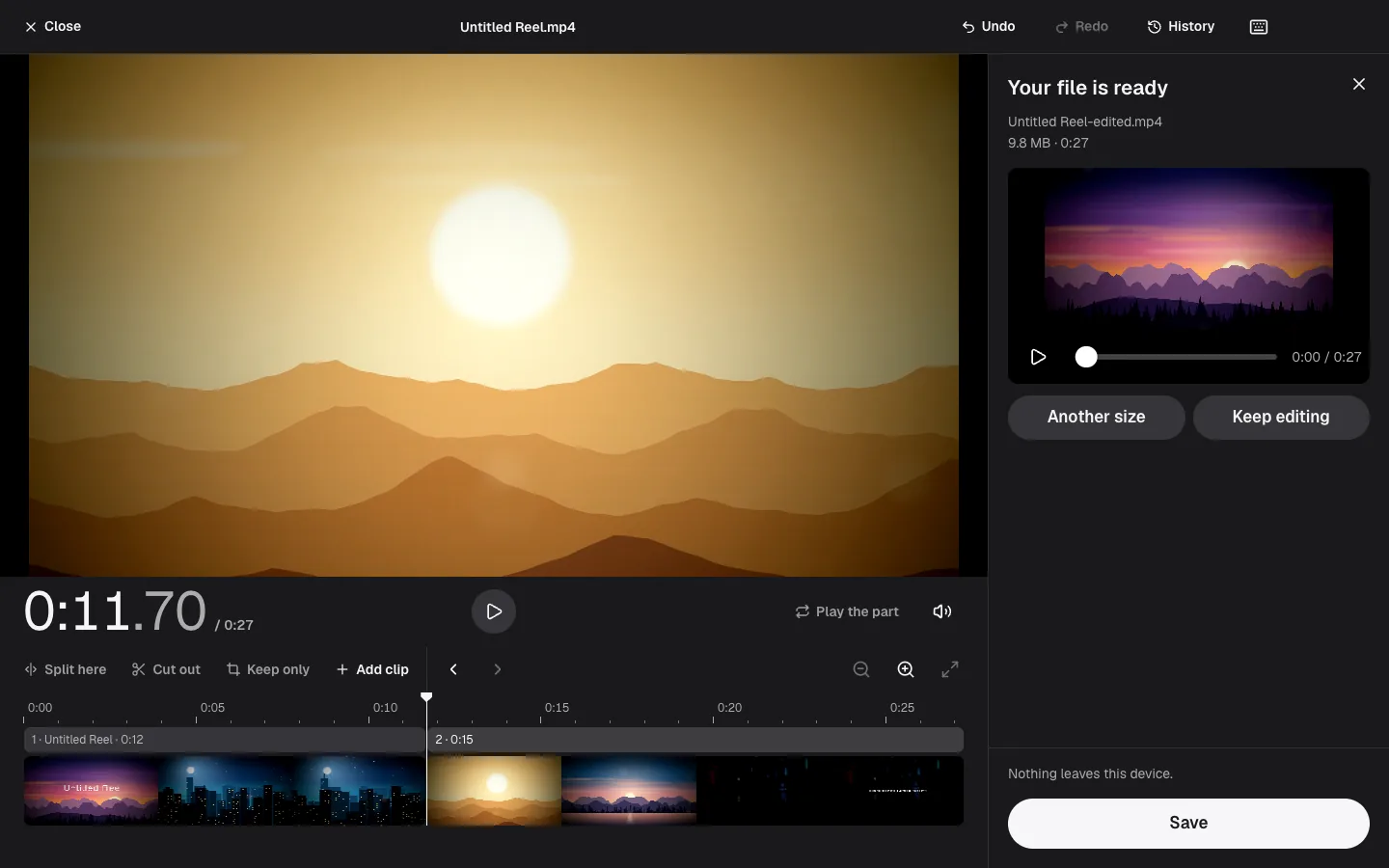
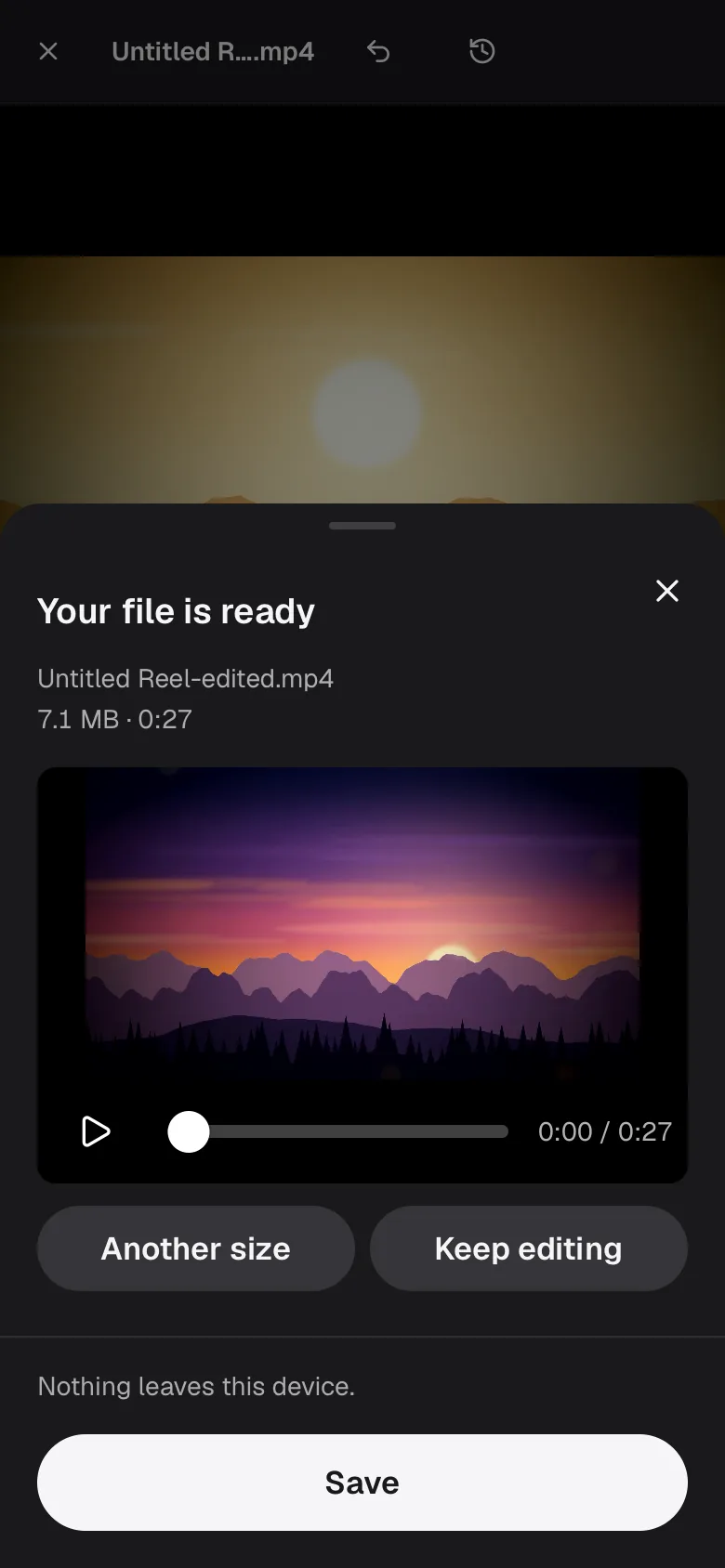
See the result before you save it.
Measured examples
What 25 MB did to our test clips.
Three generated clips went through this page at its own setting, under 25 MB.
| Test file | Size | Change | Time | Result |
|---|---|---|---|---|
| 20 s clip, 1080pChrome | 30 MB → 24 MB | 20 percent smaller | 3.4 s | Video converted |
| 20 s clip, 1080pWebKit | 30 MB → 24 MB | 20 percent smaller | 16 s | Video converted |
| 20 min clip, 240pChrome | 14 MB → 14 MB | Same size | 80 ms | Video stream identical · Already under the limit, kept as it is |
| 5 min clip, 360pChrome | 17 MB → 17 MB | Same size | 80 ms | Video stream identical · Already under the limit, kept as it is |
Measured on November 7, 2026 in Google Chrome 157, WebKit (Playwright build, not Safari) 26, on Apple M1 Pro. Times run from pressing Convert to the result being ready, with the page already loaded. Likeness is PSNR against the original: higher is closer, and above 40 dB the difference is hard to see. WebKit here is Playwright's build, which is not Safari. Every test file was generated for these measurements, none is anyone else's work, and each is described on the About page.
The 20-second 1080p clip went from 30 MB to 24 MB in 3.4 seconds. The five-minute and twenty-minute clips were already under 25 MB, so the page handed them back untouched in 84 and 75 milliseconds. A file that already fits is never re-encoded. WebKit took 16.0 seconds for the first clip: video is the one job where the two browsers differ most in speed.
Facts
What a size limit means.
How long a video fits
At the lowest picture quality the engine accepts, 25 MB holds about 19 minutes of video, 50 MB about 38 and 100 MB about 76. That is the best case for easy footage; busy footage needs more room.
Email adds weight
Attachments are encoded for transport, which makes them about a third larger. A mail server that counts the encoded size will refuse a file that looks like it fits.
Aim 4 percent under
The target is 96 percent of the limit, corrected by a second pass when the first lands over. Our 1080p clip came out at 24 MB against a 25 MB limit.
The original
Never modified. The compressed copy is a new file.
Good to know
Choosing a size on purpose.
The number to aim for depends on where the video is going, so here are the limits we could check and what each target costs.
Limits worth knowing
Gmail on a personal account sends attachments up to 25 MB in total across the message; above that it adds a Google Drive link instead. Work and school accounts follow the limit their administrator sets, and other mail providers may be stricter than Gmail.
Attachments are encoded for transport, which adds about a third to their size, so leave some room under the number you are given.
What 25 MB buys
A 25 MB budget is about 3.3 megabits per second for one minute of video and about 800 kilobits for four minutes, fine for 720p. Ten minutes leaves around 330 kilobits, where detail goes; for that length pick 50 or 100 MB.
Our 20-second 1080p test clip came out at 24 MB against a 25 MB limit. Compressing a 1.25 GB 4K file down to 1080p took about 34 seconds in Chrome.
Screen recordings and talking heads
Static content such as slides, a terminal or a talking head compresses far better than gameplay or sport. A short screen recording often fits 10 MB with no visible loss, while the same budget on a football clip shows blocks.
Text stays readable longer than motion does, so if a recording is mostly UI, try the smallest size first.
When not to compress
Compression is lossy and cumulative: do not shrink a file you will edit later, and do not shrink an already small one again. If the video is already under the limit, Flex Convert hands it back unchanged.
Keep the original. A 25 MB copy is a delivery file, not an archive.
Checked on . Gmail's 25 MB limit is from Google's own help page for personal accounts.
If something goes wrong
When it does not work.
The limit is a promise of size, not of quality, and sometimes the two cannot both be kept.
This is too long to fit in that size
Why: Even at the lowest picture quality the engine accepts, the video would not fit: 25 MB holds about 19 minutes at best.
What to do: Pick 50 or 100 MB in Custom, trim the video first, or share a link instead of the file.
The email still bounces
Why: The mail system counts the encoded size, about a third more than the file, or enforces a lower limit than the usual 25 MB.
What to do: Pick the 10 MB row, or send a link to a cloud copy.
The picture is blocky
Why: A long or busy video was given too few bits per frame.
What to do: Allow a bigger size or send a shorter piece.